Publishing & video
Adobe Firefly for book trailers: turn a scene into a shot list
By PlastiiQue · Published 11 October 2026
Use generated visuals to suggest a novel’s world while maintaining a clear story and consistent art direction.
Where the tool helps
Adobe’s video tool supports text-to-video and image-to-video. Its official overview includes Adobe models and partner models; do not assume every model has identical terms or capabilities.
A practical creative workflow
- Write a short teaser script, then divide it into individual visual beats.
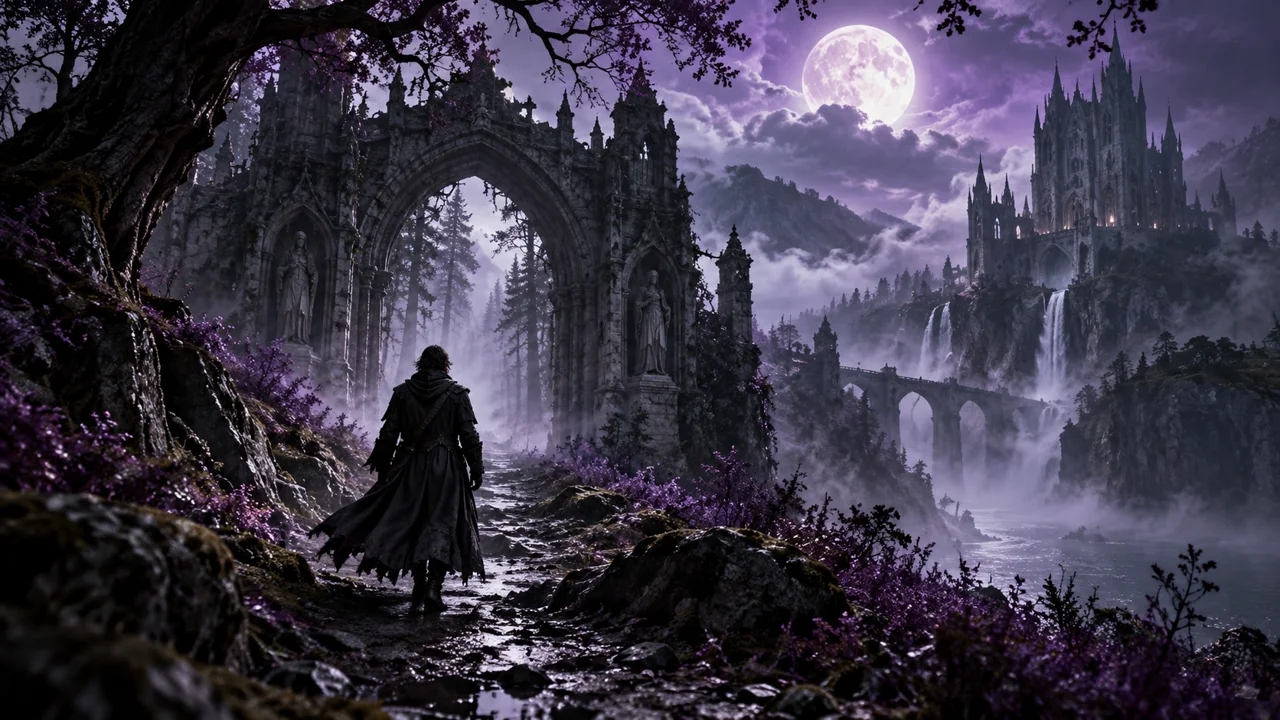
- Create an approved reference for setting, lighting and character appearance.
- Generate restrained shots with one main action rather than crowded sequences.
- Edit for rhythm, add narration and titles, then review the complete story as a viewer.
What still needs human judgement
A beautiful shot can still be wrong for the book. Check recurring characters, costume details and geography across clips. Suggesting atmosphere is often more effective than literal plot illustration. Keep your own text design and verify the terms of the particular model used.