Film & creative direction
Faces, fights and camera moves: three lessons from an AI video edit
By PlastiiQue · Published 24 October 2026
A close-up, a cliff-edge duel and an ambitious camera move: what our latest comparison edit teaches about directing AI-generated film.
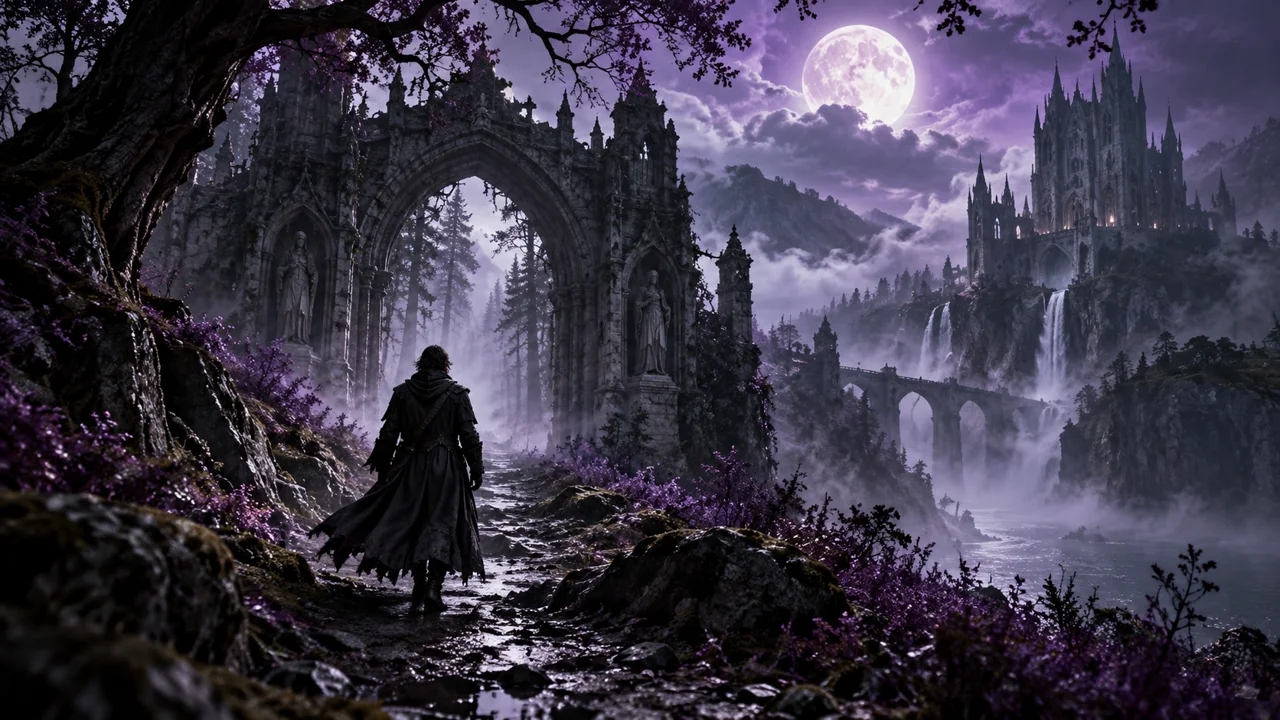
Start with the moment the audience must see
The latest PlastiiQue comparison puts two interpretations of the same scene beside each other. The most useful questions arrive in the edit: can you read the expression, follow the fight and understand where the camera has taken you? Those questions give you something concrete to improve in the next brief.
A practical creative workflow
- Name the story beat: a character remembers, a fighter drops to one knee, or a city is revealed.
- Describe the lighting, framing and movement needed to make that beat visible.
- Review the result at normal speed, then pause where the important moment should land.
- Change the instruction that missed the mark and compare the next result against the same goal.
Judge the shot in the sequence
A beautiful frame can still miss the point of a scene. Review the performance, continuity, geography and sound together. Keep the take that communicates the intended moment. The examples here come from the comparison edit; they are not a universal ranking of every model version, setting or generation.
1. The face gives it away
A rain-soaked hood and blue dusk can create atmosphere. They can also hide the eyes you need the audience to read. In the close-up sequence, the difference is immediately useful: look for visible eyes, a readable expression and a mouth that supports the spoken moment.
Make the lighting instruction as deliberate as the weather. Try a soft light catching the eyes and a hood held back from the face. Then judge the result on a phone, where a subtle expression has less space to register.
Extreme close-up. Rain on her skin. Soft key light catches both eyes beneath the hood. She raises her gaze before whispering the line.
2. All action. Any control?
The cliff-edge fight gives the editor a different problem. Tight framing and whipping cloaks create energy, but the viewer still needs to understand who strikes, who blocks and who goes down. A shot that feels frantic can make an important action difficult to follow.
Separate the beats in the brief: one strike, one block, a turn, then one fighter dropping to a knee. Keep the camera far enough back to show the movement that matters. If the sequence is too crowded, split it into two shots and let the edit supply the pace.
Wide view of both fighters. First: a staff strike. Second: a clear block. Third: the defender turns. Finally: the attacker drops to one knee, visible against the cliff edge.
3. Camera move. Or chaos?
A dive off a cliff, a skim over the heather, a flight through a tower and a city reveal are four distinct stages. Squeezing them into a brief clip can leave the reveal arriving just as the shot ends.
Plan backward from the final image. Give the viewer time to recognise it. As a planning starting point, allow roughly one or two seconds per stage, then adjust after watching the result. If the move still feels rushed, simplify the route or divide it across an edit.
Turning the comparison into Shorts
Each vertical edit follows one question and ends with one practical tip. Enlarged footage, alternating model views, short caption phrases and sharp sound accents keep the evidence visible. The graphic treatment uses PlastiiQue’s purple, black and white palette, with exhibit-style headings to give the three clips a shared identity.
The pacing serves the explanation: pause long enough to see the expression, cut on the action and leave the camera reveal time to land. A fast edit needs moments of clarity.
Explore PlastiiQue’s film and music work ↗