Film & camera direction
Eight camera moves to plan before your next AI short film
By PlastiiQue · Published 25 October 2026
A practical camera brief for AI filmmakers: eight movements, example prompts and a simple way to decide when each one serves the story.
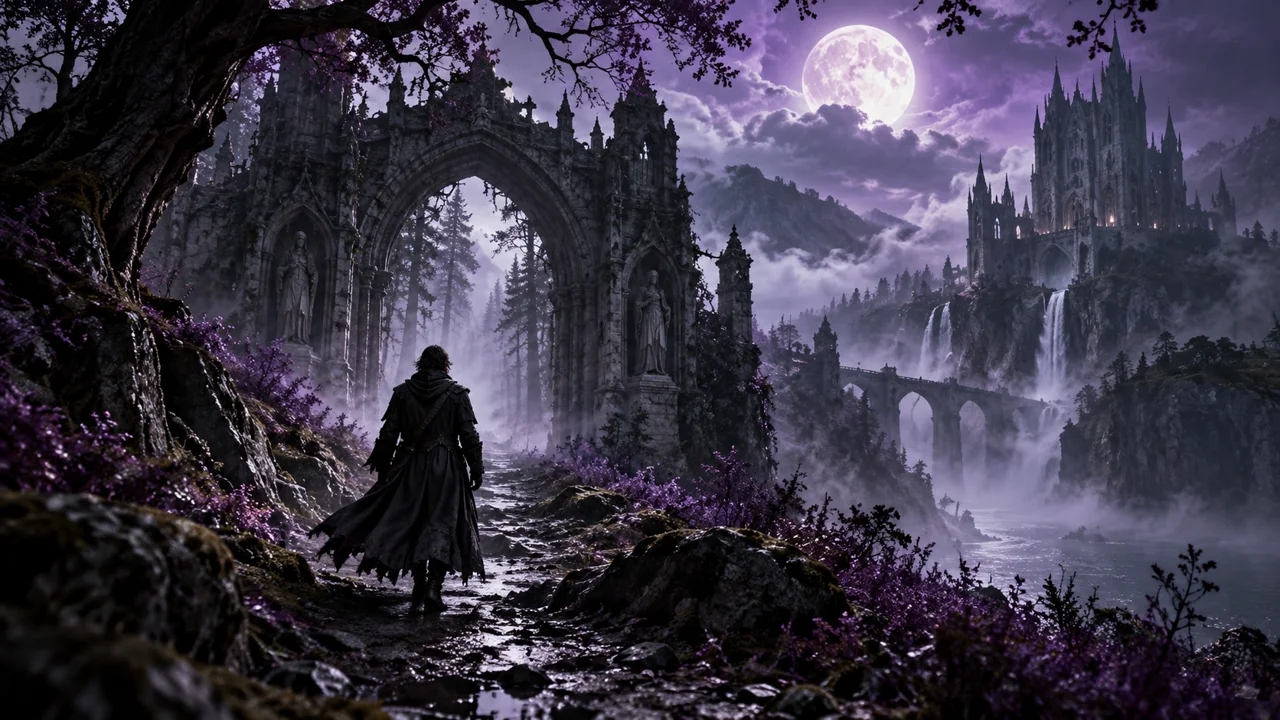
What should the camera help us notice?
A camera instruction is part of the storytelling. Moving closer can bring us into a character’s reaction. Pulling back can show what they are up against. Before adding movement to a prompt, decide what the audience should understand at the end of the shot that they did not understand at the beginning.
A practical creative workflow
- Write the story beat in one sentence.
- Choose one main camera move and name the subject it follows.
- Describe the starting frame, route and final composition.
- Generate a test, watch it at normal speed and simplify the brief if the important moment is unclear.
Watch the result, then revise the direction
These are starting prompts to adapt, not promises of identical results in every model. Review the movement, subject continuity, framing and final image together. A technically impressive move still needs to fit the shots around it. If a route contains several complicated stages, break it into separate shots.
Watch the PlastiiQue camera-prompt guide
The companion video explores camera prompts for cinematic AI short films. Use the ideas below as a separate shot-planning worksheet for your own story.
1. Push in: bring us closer
Move towards a subject when a reaction or a detail deserves more attention. Keep the action simple enough for us to read it.
Slow camera push towards the woman at the window. She stops reading and looks up. Finish on her eyes; keep her face visible.
2. Pull back: reveal the situation
Begin with something specific, then widen the frame to change our understanding of it. Decide what the wider shot must reveal.
Start close on a hand holding a torn map. Pull back to reveal a lone traveller in an empty station. End with the station clock visible above them.
3. Pan: connect two points
A pan turns the camera from one point to another. Give both ends a purpose, rather than asking for a vague sweep across a setting.
Pan slowly from the abandoned chair to the open doorway. Hold on the doorway as a shadow crosses the threshold.
4. Tilt: discover above or below
Use a tilt to connect a detail to its surroundings, or a character to something larger. Specify where the movement stops.
Begin on muddy boots. Tilt upward to reveal the exhausted messenger, then stop on the letter in her raised hand.
5. Track alongside: follow the action
A side-on tracking shot can help us follow a moving character while keeping their relationship to the setting clear.
Track beside the runner at walking height as he moves along the harbour. Keep him in profile and the water behind him. End when he stops at the gate.
6. Orbit: change our view of a subject
An orbit moves around the subject. Give the movement a limited arc and choose the background detail it should uncover.
Move in a gentle quarter-circle around the musician at the piano. Keep her hands visible. Reveal the small audience behind her by the end.
7. Rise or descend: change the scale
A vertical move can connect a person to a place. Make the final composition specific enough to assess in the edit.
Rise slowly from the traveller beside the campfire to reveal the valley beyond. Keep the fire visible in the lower frame as the landscape opens up.
8. Fly through: lead us somewhere
A fly-through needs a readable route and a worthwhile destination. Avoid packing several elaborate manoeuvres into a single short clip.
Fly straight through the open archway into the courtyard. Slow as the fountain comes into view. Finish facing the illuminated door beyond it.
Build a scene, then build a film
Choose three shots that belong together: one to establish the place, one to follow the action and one to show its consequence. Match the characters and setting across them. Then edit the sequence and listen to it with sound.
For a larger challenge, watch Make a Short Film in One Weekend ↗. For finished music and film examples, explore the PlastiiQue portfolio ↗.
Watch the companion videos
- Kling Camera Prompts: 8 Camera Moves for Cinematic AI Short Films ↗
- Make a Short Film in One Weekend with Kling 3.0 ↗